Solutions
Live accessibility solutions
4ALL LIVE coordinates several connected accessibility workflows: readable captions, translated text, spoken translated audio, human ASL interpreter video, QR-code audience access, and captions for graphics or encoded video. Qualified interpreter staffing is arranged separately by the event or an interpretation partner. The right solution depends on where the audience will receive it and whether the output must remain personal, appear on a shared screen, or travel inside a video stream.
7 focused answers
Live captioning
Live captioning for events
Create real-time captions for conferences, festivals, sports, broadcasts, and hybrid events, delivered to browsers, displays, graphics, and video streams.
ExploreVenue caption displays
Live captions for venue screens and stage displays
Plan readable live captions for projectors, LED walls, confidence monitors, lobby displays, and other shared event screens.
Explore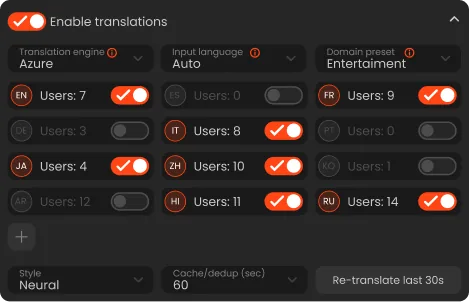
Live translation
Live translation for events
Translate live event captions into configured target languages for personal browsers, shared experiences, spoken captions, and production outputs.
Explore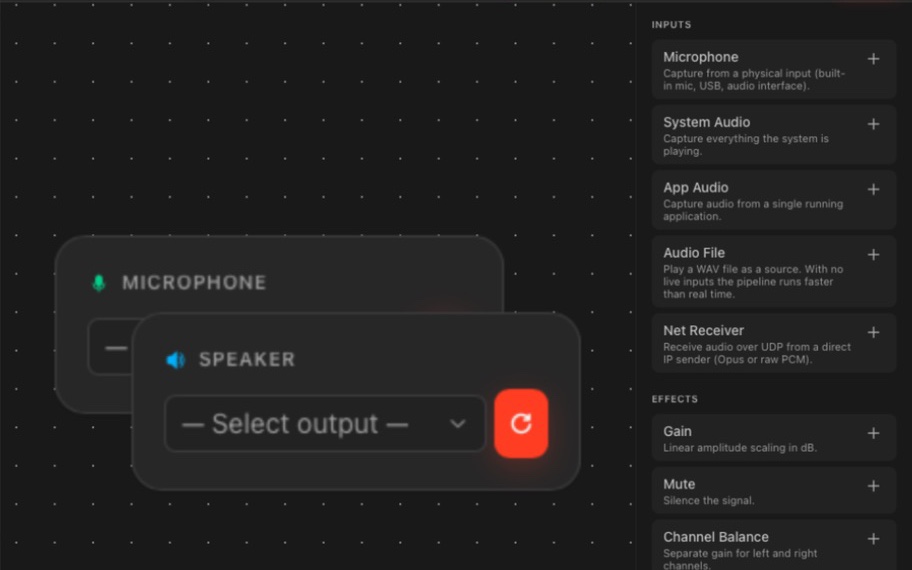
Spoken language access
Spoken audio translation for live events
Deliver standard text-derived spoken captions or low-latency translated speech to attendee browsers and managed venue listening workflows.
Explore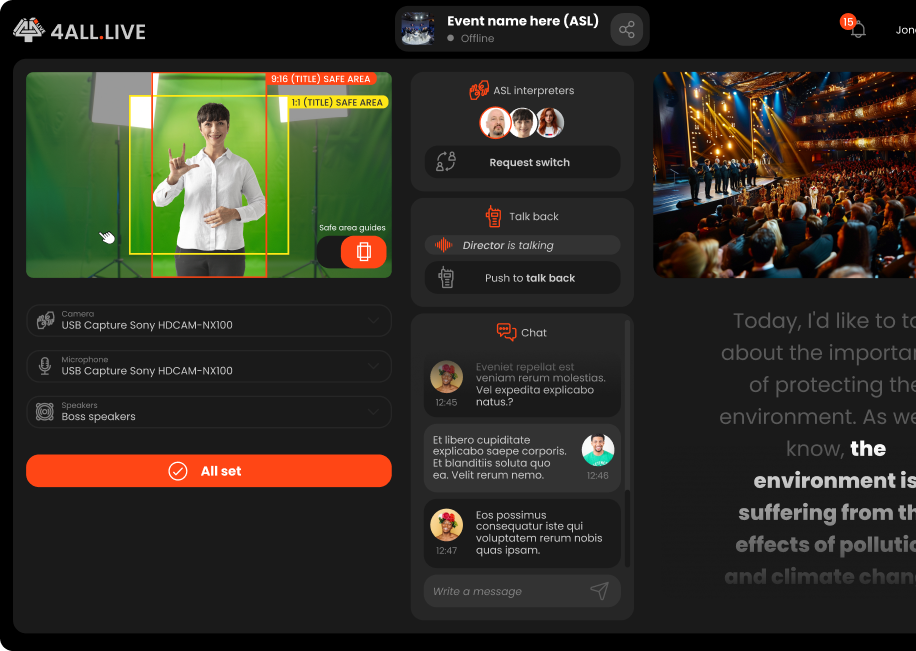
Human ASL workflow
Live ASL access for events
Add a human ASL interpreter video workflow to event access, with operator roles, viewer picture-in-picture, production output, and recovery planning.
Explore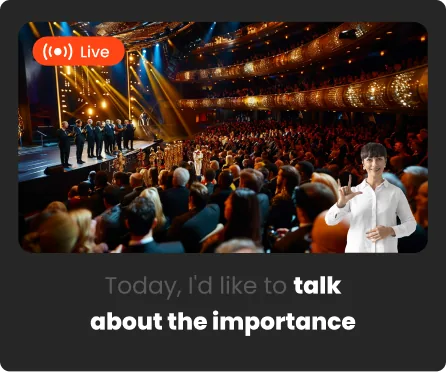
Personal browser access
QR-code live captions for event audiences
Share captions, translation, spoken options, and event-supplied human ASL interpreter video through a viewer link and scannable QR code.
Explore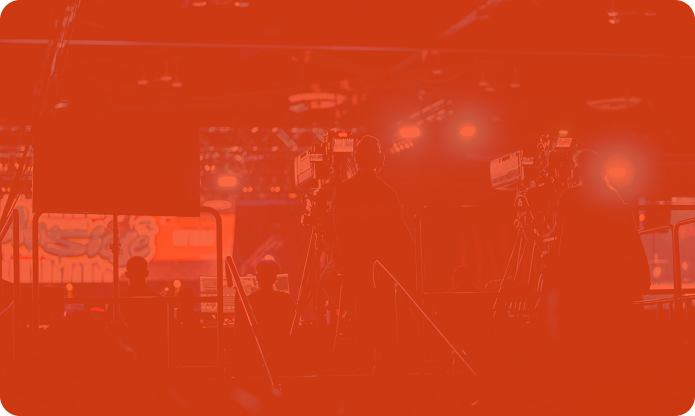
Broadcast captions
Broadcast captioning workflows
Move 4ALL live captions into Ross XPression graphics, browser-source overlays, or CEA-608/708-capable H.264 contribution streams.
ExploreNeed a faster path?
Tell us what your audience and production need.
We will help connect the event format, languages, audience destinations, desktop tools, and plan before show day.